Multi-stage Docker builds
Why bother
With a single stage, everything you need in order to build an image ends up also in the image you ship: compilers, dev dependencies, test fixtures, the source itself. None of it is used at runtime, but it still ends up in the image. It is pushed, pulled and stored at everywhere the image goes. This might be okey if the project is small, buy as the project grows you might want to keep your image size smaller.
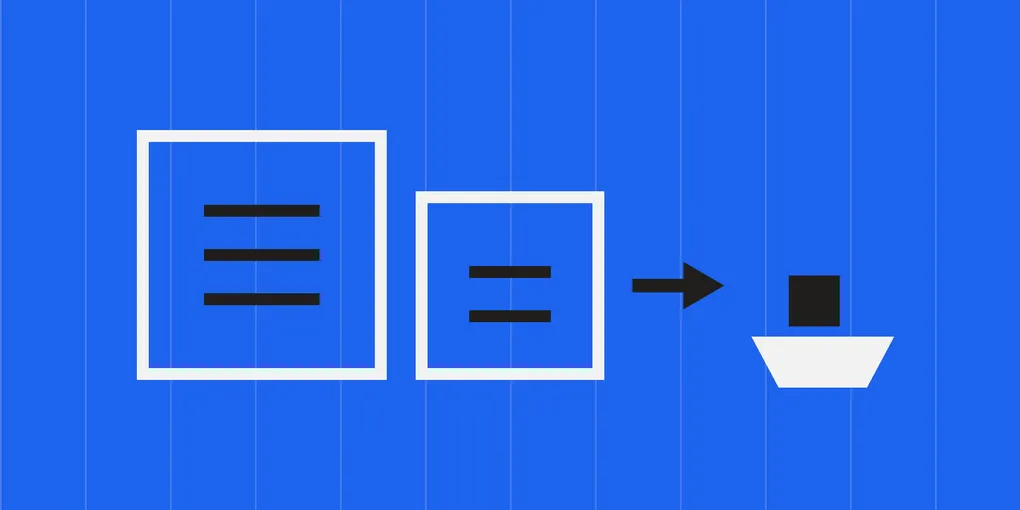
A multi-stage build lets you do the work in one image and carry only the result into another. Only the last stage ends up in the resulted image, therefore the earlier stages serves as preparation for the last one.
Further read: The Docker docs on multi-stage builds is a good source for learning.
A basic example
Each FROM starts a new stage. Only the last one becomes the image you get.
# syntax=docker/dockerfile:1

FROM node:24-alpine AS build
WORKDIR /app
COPY package.json package-lock.json ./
RUN npm ci
COPY . .
RUN npm run build

FROM node:24-alpine AS runtime
WORKDIR /app
COPY package.json package-lock.json ./
RUN npm ci --omit=dev
COPY --from=build /app/dist ./dist
CMD ["node", "dist/index.js"]
EXPOSE 3000
AS build names the stage. COPY --from=build reaches into it and takes just the compiled output. The build stage still contains the full node_modules and every source file, but none of that is in the final image; it is thrown away once the build finishes.
Referring to stages
AS <name>names a stage. You can also use its index (--from=0), but names survive reordering and are easier to read.FROM build AS teststarts a new stage from an existing one, which is useful when several stages share the same setup.COPY --fromalso accepts an image you never built:COPY --from=nginx:alpine /etc/nginx/nginx.conf ./nginx.confpulls a single file straight out of a published image, no stage needed.
Stopping early
You don’t have to build the whole file. --target stops at the stage you name:
docker build --target <stage-name> -t my-app:dev .This is handy for a dev or test image that needs the tooling the runtime image deliberately drops, and for looking at what the build stage actually produced when something comes out wrong.
What you get out of it
Smaller images. Difference between single-staged builds and multi-stage builds is usually large for compiled languages, where the toolchain is bigger than the binary, but it is worth having it for interpreted languages as well.
Build-time secrets stay behind. A token used to install private packages lives in the stage that used it, not in the layers you push. Note this only holds if the secret never reaches the final stage — and for anything sensitive, build secrets are the safer tool, since they are never written to a layer at all.
Stages build in parallel. This allows us to save time. BuildKit works out which stages depend on each other and runs the independent ones at the same time.
Tip: the best practices guide covers this and the layer-caching rules together, which is where most of the easy wins in build times are.
Few tips from what I learned so far
Split the system packages, not just the code. The builder needs the -dev packages to compile wheels — libxml2-dev, libjpeg-dev, libffi-dev and friends. The runtime only needs the shared libraries those wheels link against: libxml2, libjpeg62-turbo, libffi8. Installing the -dev set in both stages is easy to do by accident and quietly puts a compiler toolchain in the image you ship.
Only copy into a stage what that stage actually uses. I had a config file that is only read when the container starts, and copying it into the builder meant that editing it invalidated the cache for the slowest layer in the build. Moving that one COPY to the runtime stage was the difference between a five-second rebuild and a five-minute one.
Decide which caches have to survive into the image. A download cache can be a build cache mount, because nothing needs it at runtime. A cache the application reads when it starts has to be a real directory in the builder and get copied forward like any other artifact.